Ste.Car.Deb Charles
To ensure you have the best viewing experience without interruptions, please read these instructions carefully:
🔥 For Fire Stick TV
No extra setup is needed! The system automatically blocks ads when they try to pop up and gives you the option to cancel any redirects instantly.
💻 For PC (Chrome or Edge)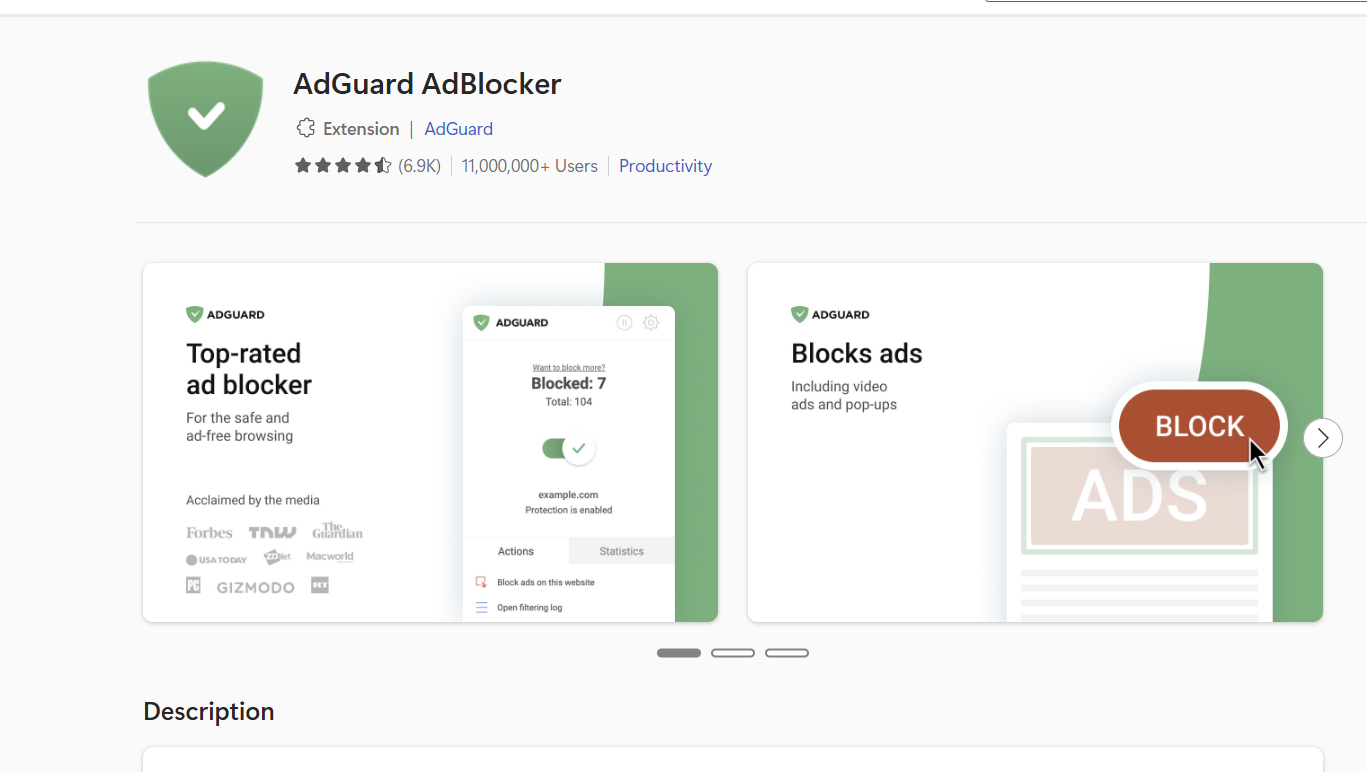
Download the AdBlocker that works best so far:AdGuard AdBlocker by Adguard Software Ltd.
📱 For Mobile Phones (Chronological Setup)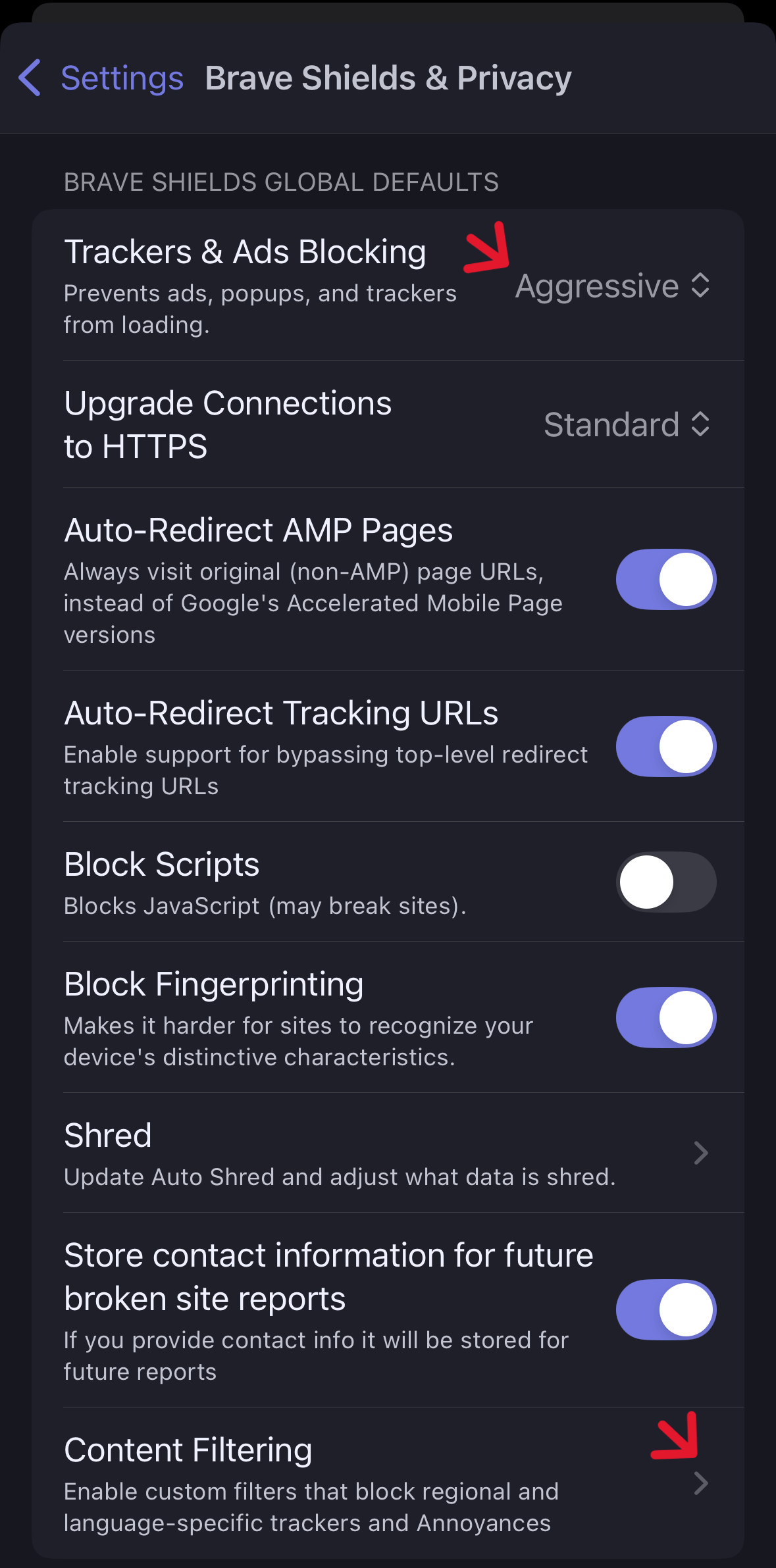 Step 1: Open Settings
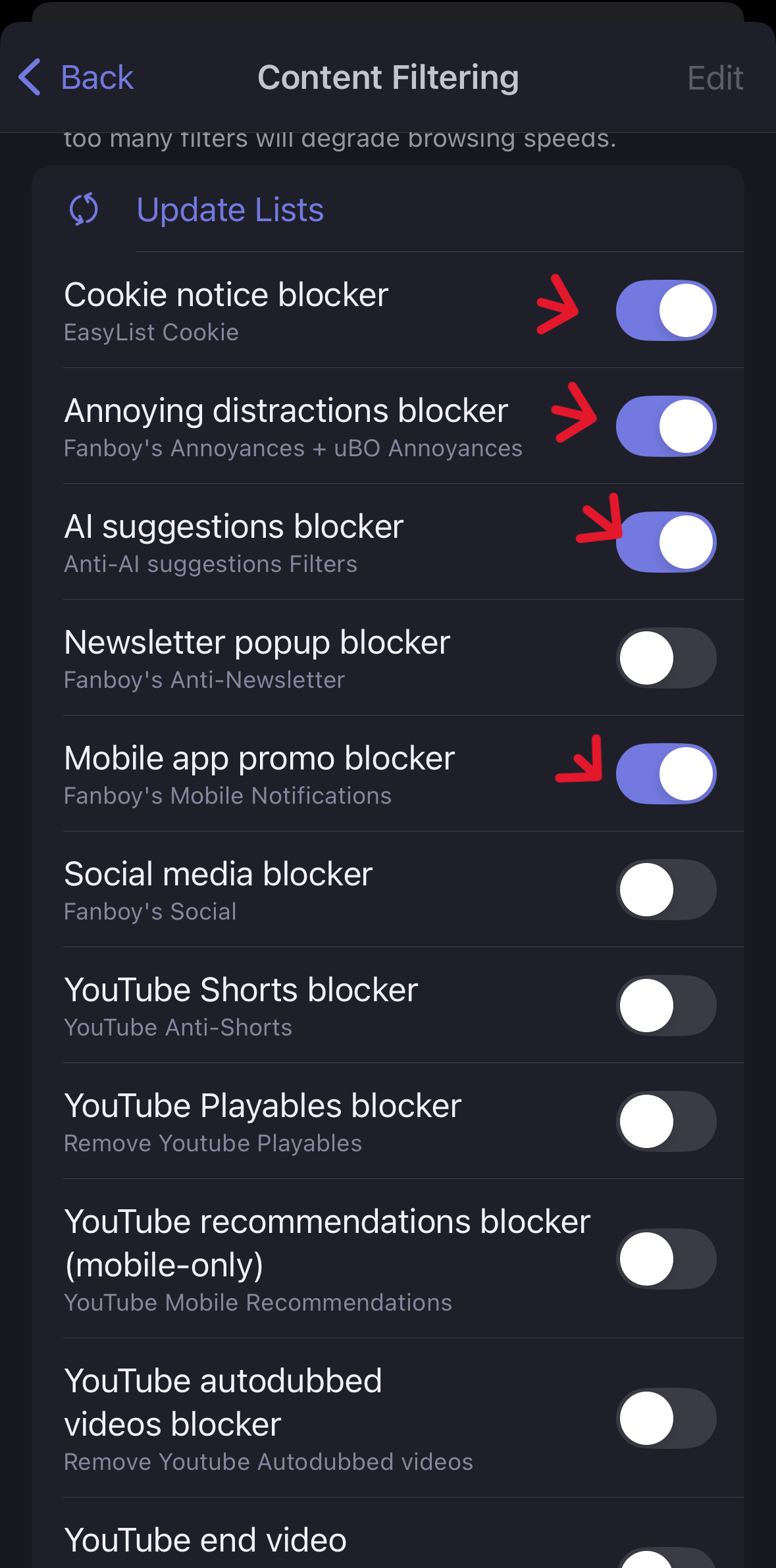 Step 2: Shields & Privacy
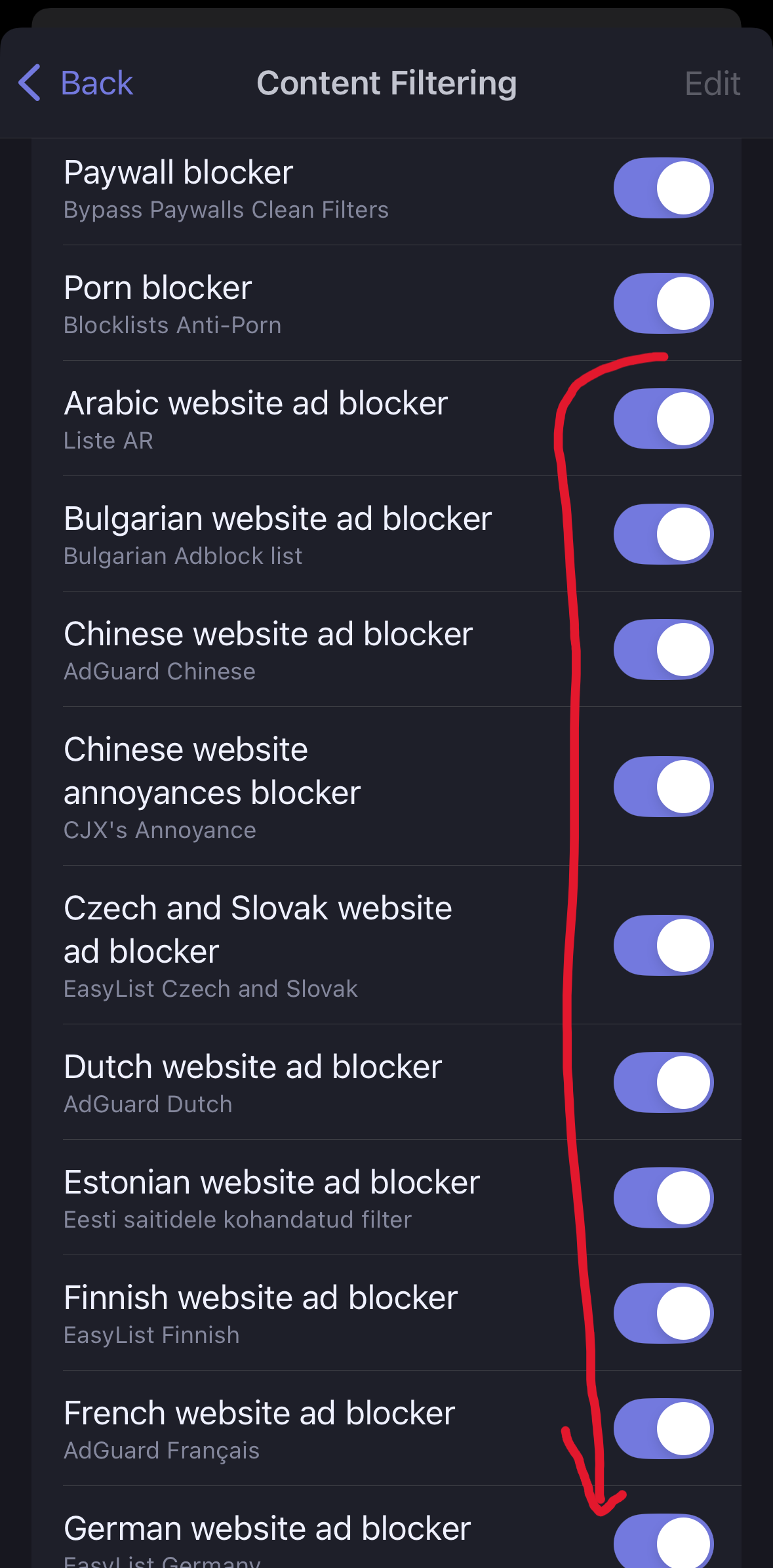 Step 3: Enable All Blockers
Download and use the Brave Browser. Go to settings and ensure all ad blockers and shields are turned ON for total silence while streaming.
Step 1: Open SettingsStep 2: Shields & PrivacyStep 3: Enable All Blockers🚨 DO NOT SHARE THE ACCESS CODE TO ANYONE ELSE! SERIOUSLY, I WILL KNOW.
Once you've set up your blockers, click below to enter:
Confirm & Enter LibraryProtected by The Guardians of the Galaxy